Best Smart Home Automation System for Your Home
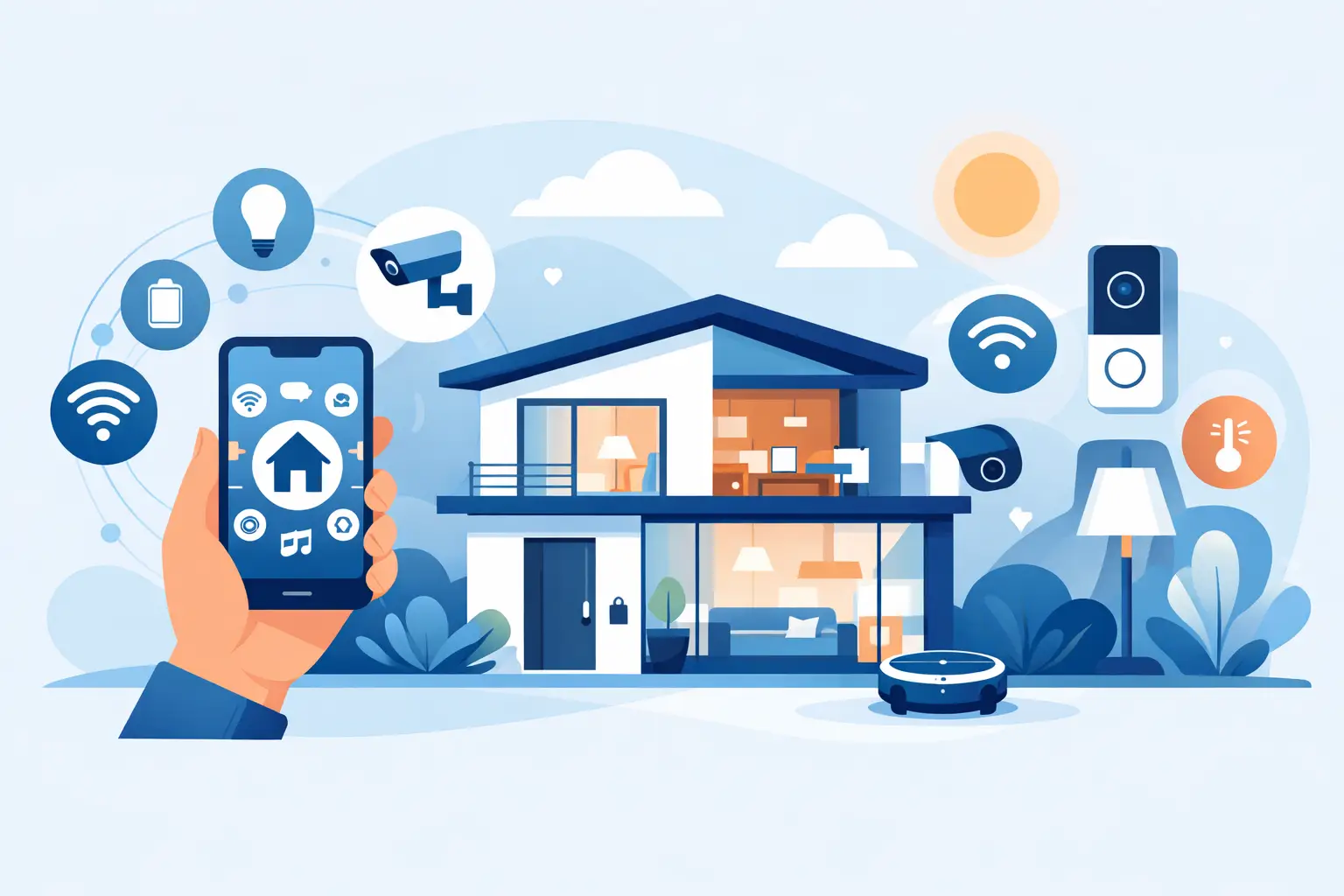
A smart home should save you steps, not create another app-filled chore. The best smart home automation system is the one that fits the way you actually live: lights that respond when you come home, a doorbell alert when a package arrives, and security controls you can check from your phone without needing a technical manual.
For some households, that means a simple voice assistant and a few smart plugs. For others, it means connected cameras, locks, sensors, climate controls, and routines working together. The right choice depends on your home, your devices, your privacy preferences, and how much control you want.
What Makes a Smart Home System “Best”?
There is no single winner for every home. A renter who wants plug-in lighting and a video doorbell has different needs from a homeowner building a whole-home security setup. The best system is less about buying the largest collection of gadgets and more about choosing a reliable control center that supports the devices you want to use.
Start by looking at five practical factors: compatibility, ease of use, automation options, privacy, and budget. A system can have impressive features on paper, but it will feel frustrating if it does not work with your existing phone, speaker, cameras, or WiFi setup.
Compatibility is especially important because smart home brands do not all speak the same language. Many newer products support Matter, a smart-home standard designed to help compatible devices work across major platforms. Matter can make future shopping easier, but check each product listing before you buy. Support varies by device type and model.
The Main Smart Home Platforms to Consider
Amazon Alexa: Best for Easy Voice Control and Choice
Alexa is a popular option for shoppers who want a simple starting point and a huge range of compatible devices. Alexa-powered speakers and displays can control lights, plugs, cameras, thermostats, doorbells, and more using voice commands or the Alexa app.
Its biggest advantage is choice. Many affordable smart home accessories are designed to work with Alexa, making it easy to build your setup gradually. You can create routines such as turning on entry lights at sunset, announcing motion at the front door, or powering down selected devices at bedtime.
The trade-off is that a large ecosystem can feel crowded. Device settings may live across multiple manufacturer apps, especially if you mix brands. Alexa works best when you take a few minutes to organize rooms, groups, and routines from the beginning.
Google Home: Best for Android-Friendly Households
Google Home is a natural fit for households that use Android phones, Google services, and Nest products. Its app offers a clean way to view and control connected devices, while Google Assistant handles voice commands through compatible speakers and displays.
Google Home is particularly appealing if you want smart home control alongside everyday searches, calendars, reminders, and entertainment. A connected display in the kitchen, for example, can pull double duty as a timer, music controller, camera viewer, and family information hub.
Like any platform, it works best when your devices are confirmed compatible before purchase. If your home already includes Nest cameras, thermostats, or speakers, Google Home may be the easiest system to expand.
Apple Home: Best for Apple-Focused Privacy and Simplicity
Apple Home is designed for people who use iPhone, iPad, Apple Watch, and other Apple devices. Its strength is a polished experience that keeps controls close to the devices many people already use. You can ask Siri to adjust lights, check accessories in the Home app, and create scenes for moments like leaving home or winding down at night.
Apple Home is often favored by shoppers who place a high value on privacy and want a more contained ecosystem. It can also be a great choice for households where everyone already uses Apple products.
The limitation is device selection. While compatibility has improved, especially with Matter-enabled accessories, Apple Home may not support every budget gadget you see online. Look for Apple Home, HomeKit, or Matter compatibility in product specifications before adding an item to your cart.
Samsung SmartThings: Best for Connected Home Appliances
SmartThings is worth a close look if your home includes Samsung TVs, appliances, phones, or displays. It supports a broad range of compatible devices and can bring home entertainment, energy monitoring, appliances, lighting, and security into one dashboard.
For a household that wants automation beyond lights and speakers, SmartThings can feel more like a true home-control platform. You might receive alerts when a washer cycle ends, monitor selected energy use, or build routines around door sensors and motion detectors.
It may take a little more setup than a basic speaker-led system, but that added control can be worthwhile for a growing smart home.
Home Assistant: Best for Hands-On Control
Home Assistant is built for people who want deep customization, local control, and the freedom to connect a wide mix of devices. It can be powerful, private, and highly flexible. It is also more technical than the mainstream options above.
If you enjoy configuring dashboards, troubleshooting integrations, and fine-tuning automations, Home Assistant can be a rewarding choice. If you want to unbox a device, scan a code, and start using it in minutes, Alexa, Google Home, Apple Home, or SmartThings will usually feel more comfortable.
Build Around Routines, Not Random Gadgets
A smart home becomes useful when devices solve repeat problems. Before choosing a platform, think about the moments you want to improve. Do you regularly arrive home with your hands full? Are you concerned about deliveries? Do you want a clearer view of what is happening around your front door? Would it help to turn off lamps and small appliances from bed?
Start with one high-impact area. Home security is a strong first step for many shoppers: a video doorbell, indoor or outdoor security camera, smart lock, and motion sensor can add visibility and control without changing the entire house. For comfort, smart bulbs, plugs, and a thermostat can make morning and evening routines feel noticeably easier.
Avoid buying five devices that each require a different app unless they are compatible with your chosen platform. A connected home should bring controls together, not scatter them across your phone.
A Practical Starter Setup
For most first-time buyers, a starter system does not need to be expensive or complicated. Choose a compatible smart speaker, display, or hub as your main controller. Then add a smart plug for a lamp or coffee maker, a smart bulb in a high-use room, and one security device such as a camera or video doorbell.
This small setup teaches you what you truly use. If voice control becomes part of your routine, you can add more lighting. If security notifications give you peace of mind, you can expand with outdoor cameras, door sensors, or a smart lock. Building in stages also lets you watch for sales and choose features that match your priorities.
For renters, focus on portable options such as plugs, bulbs, indoor cameras, and adhesive-mounted sensors. Homeowners may have more flexibility for wired doorbells, outdoor camera coverage, smart thermostats, and integrated locks. Always check installation requirements, local rules, and whether a product needs a subscription for cloud video storage or advanced alerts.
Don’t Overlook WiFi, Security, and Ongoing Costs
A great smart home system depends on a reliable home network. If your WiFi is weak near the garage, front door, or backyard, a camera may drop offline at the moment you want it most. Consider your router placement and, for larger homes, whether a mesh WiFi system would improve coverage.
Security matters too. Use unique passwords, turn on two-factor authentication when available, and keep device firmware updated. Be thoughtful about where cameras are placed, especially inside bedrooms, bathrooms, or private family spaces. Review notification settings so useful alerts do not become background noise.
Finally, check the full cost before committing. Some devices work well without monthly fees, while others reserve video history, professional monitoring, cellular backup, or advanced AI detection for a subscription. That is not automatically a deal-breaker, but it should be part of the purchase decision.
Choosing the Best Smart Home Automation System for You
Choose Alexa if you want broad device selection and easy voice control. Choose Google Home if your household is built around Android, Nest, and Google services. Choose Apple Home if you prefer an Apple-centered experience and privacy-focused controls. Choose SmartThings if connected appliances and a wider home dashboard appeal to you. Choose Home Assistant if customization is the feature you value most.
The most satisfying smart homes are built one useful upgrade at a time. Start with the routine that would make your day easier, pick compatible devices with features you will actually use, and let your system grow with your life.