Types of Home Security Systems for Every Home
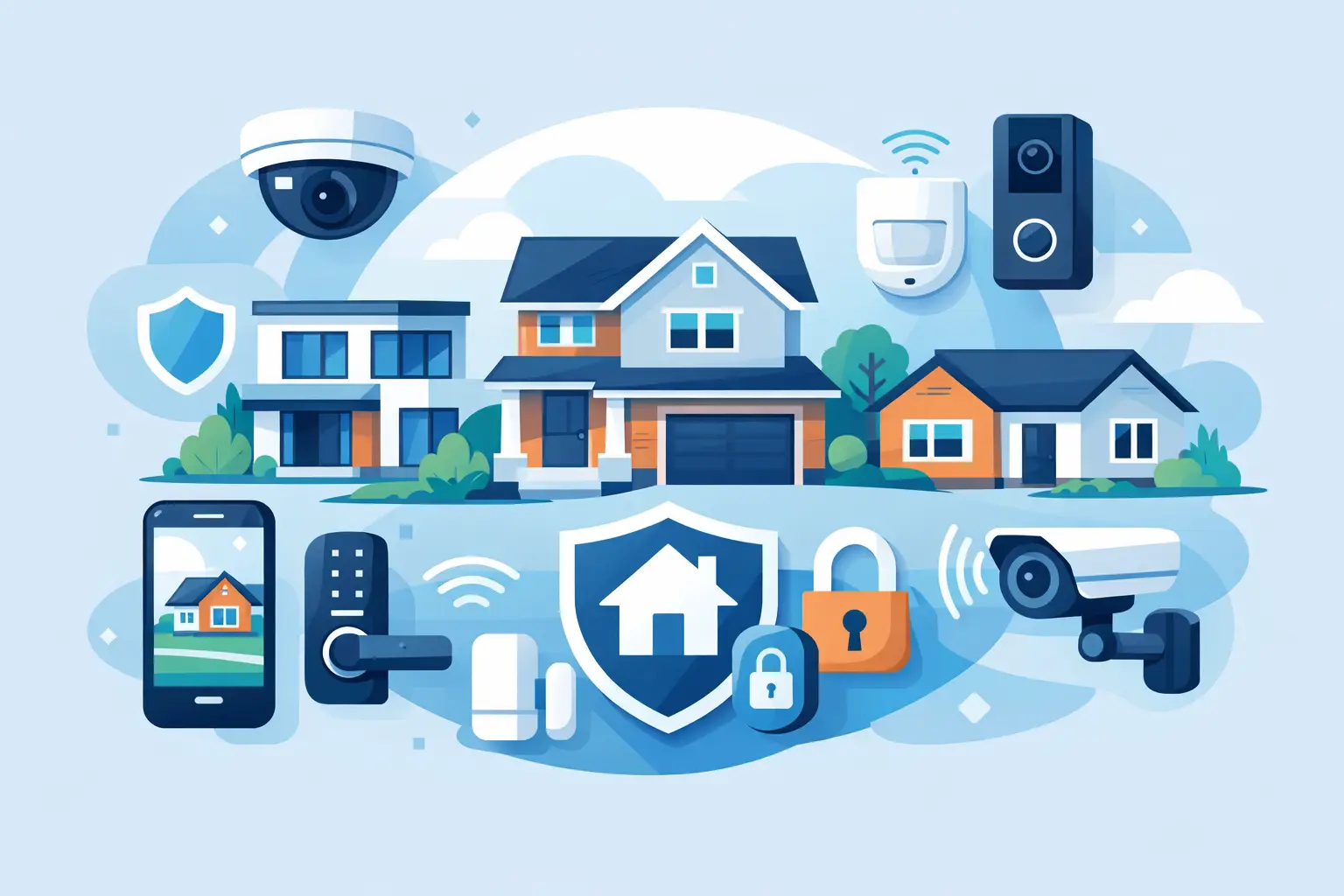
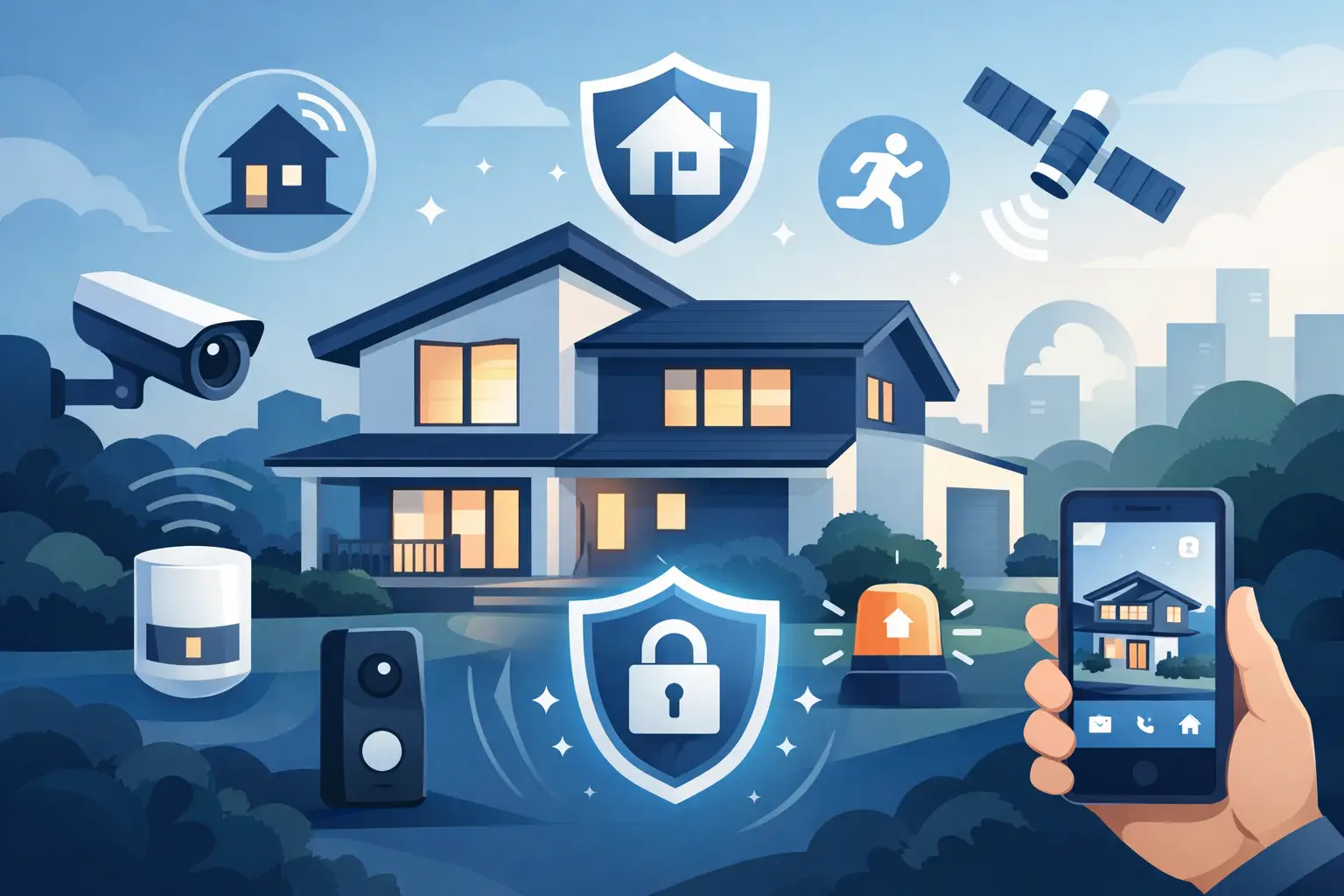
A package arrives while you are at work. Your kids get home before you do. You leave for a weekend trip and suddenly wonder whether that side window was locked. The best types of home security systems turn those everyday questions into quick checks, alerts, and action from the devices you already use.
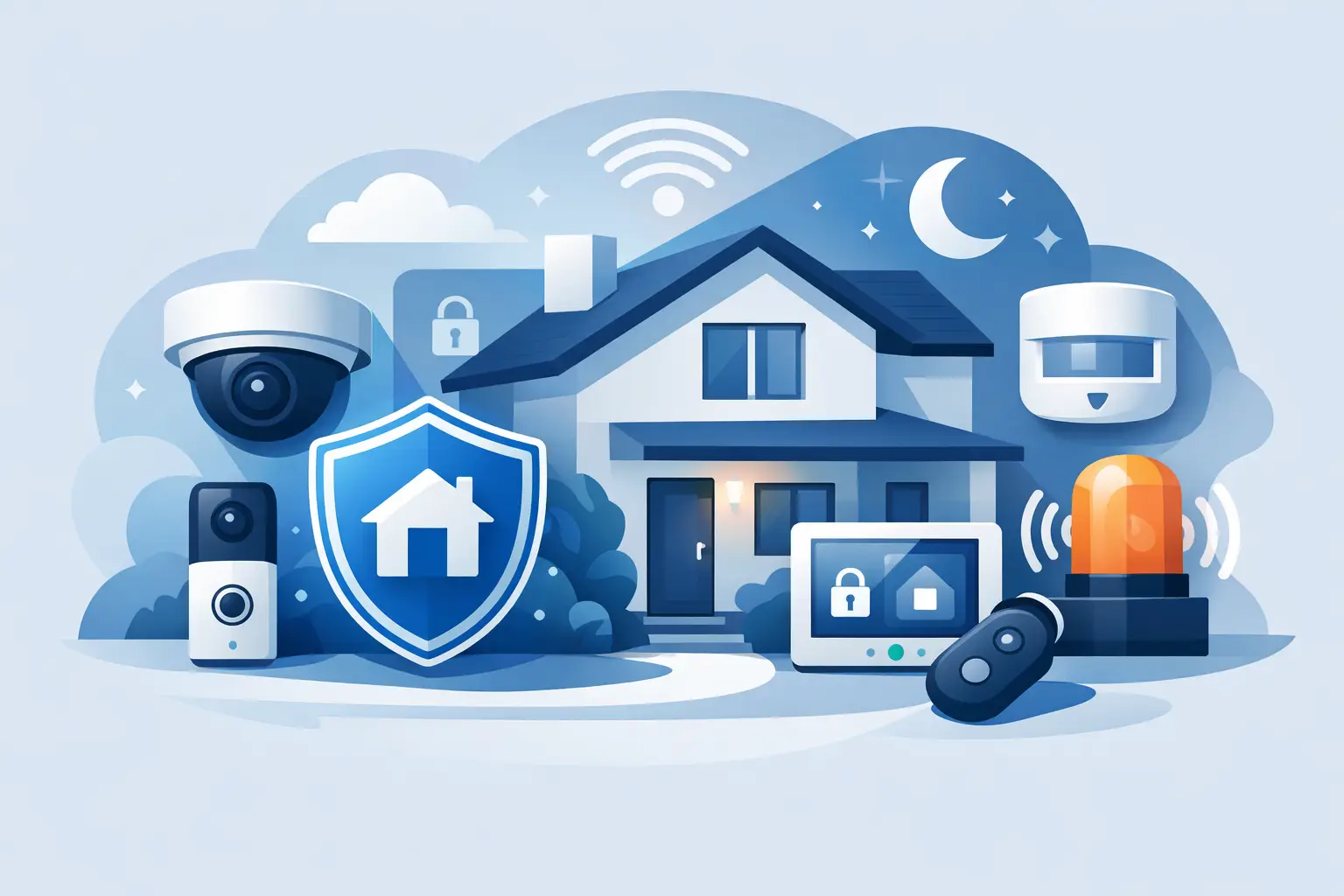
Home security is no longer one expensive wall panel with a loud siren. It can be a simple video doorbell, a complete smart alarm kit, or a layered setup that watches entry points, detects motion, and lets you check in from your phone. The right choice depends on your home, your budget, and how hands-on you want to be when an alert comes through.
The Main Types of Home Security Systems
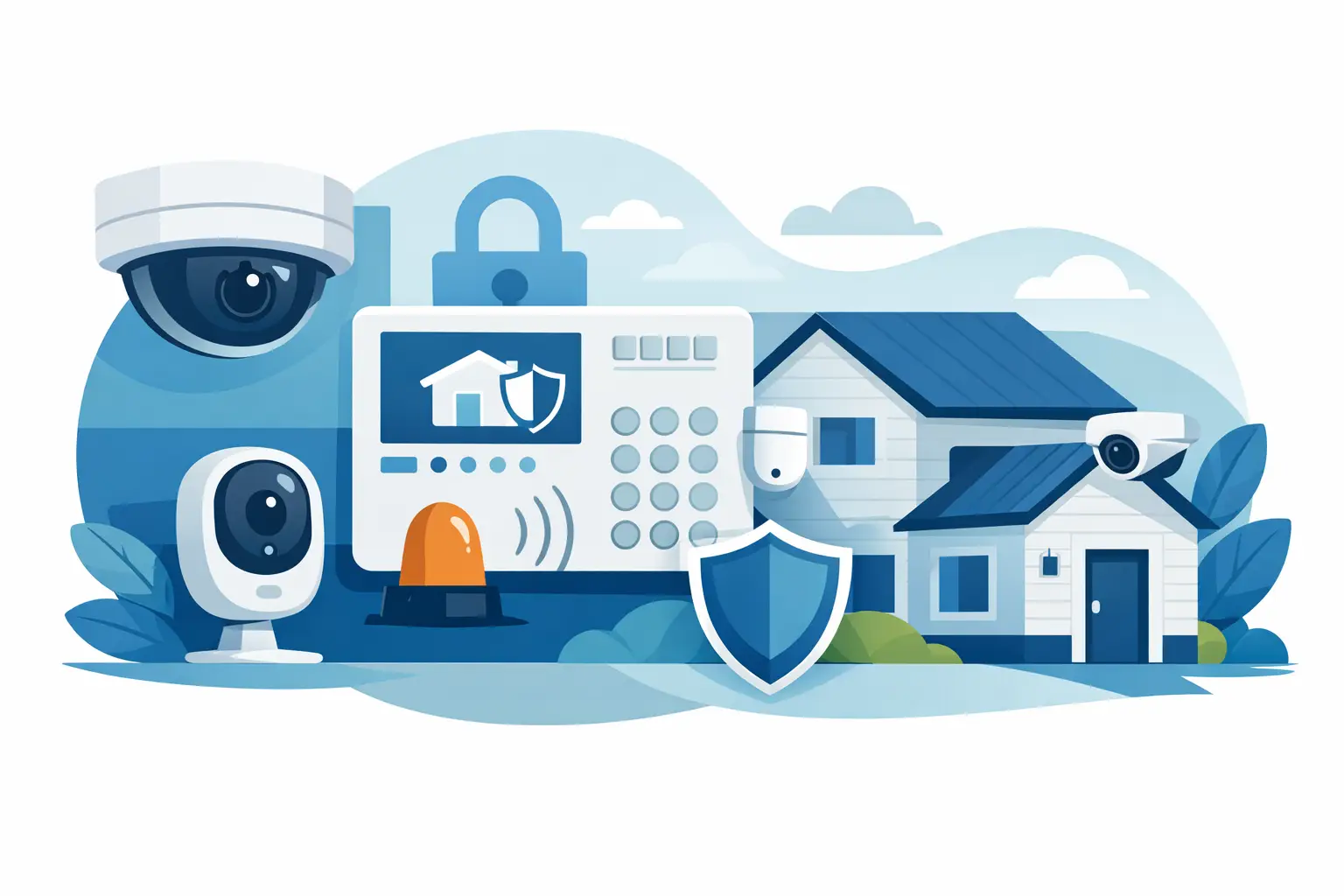
Most systems fall into a few broad categories, but many modern setups overlap. For example, a wireless DIY system may include cameras, smart locks, and optional professional monitoring. Start by deciding how you want alerts handled, then choose the hardware that makes sense for your space.
Self-Monitored Security Systems
A self-monitored system sends alerts directly to your smartphone. When a door sensor opens, a camera detects motion, or a smoke alarm goes off, you receive a notification and decide what happens next. You can open the live camera view, call a neighbor, sound a built-in siren, or contact emergency services yourself.
This option is popular with renters, condo owners, and shoppers who want more control without a monthly monitoring contract. It is also an easy starting point: a video doorbell at the front entrance and a camera facing the main living area can give many households immediate visibility.
The trade-off is simple. If you are asleep, in a meeting, traveling without service, or unable to respond, there is no monitoring center stepping in for you. Self-monitoring works best for people who are comfortable checking alerts and want an affordable, flexible setup.
Professionally Monitored Alarm Systems
Professionally monitored systems connect your alarms to a monitoring center. If a sensor is triggered, trained operators may attempt to contact you and, depending on the service and event, request emergency dispatch. This is the more traditional alarm model, updated with app controls, smart sensors, and wireless equipment.
It can be a strong fit for larger homes, frequent travelers, busy families, or anyone who wants backup when they cannot answer an alert. Professional monitoring can also add confidence when your system includes environmental protection, such as smoke, carbon monoxide, water leak, or freeze sensors.
Before choosing this route, look closely at the monthly cost, contract terms, cancellation policy, cellular backup, and what the company actually does after an alarm. Monitoring is valuable when it fits your routine, but it is not automatically necessary for every home.
DIY Home Security Systems
DIY security systems are designed for shoppers who want to choose the equipment, set it up, and manage it without scheduling an installer. Many use peel-and-stick sensors, battery-powered cameras, and app-guided setup. You can begin small and add devices as your needs change.
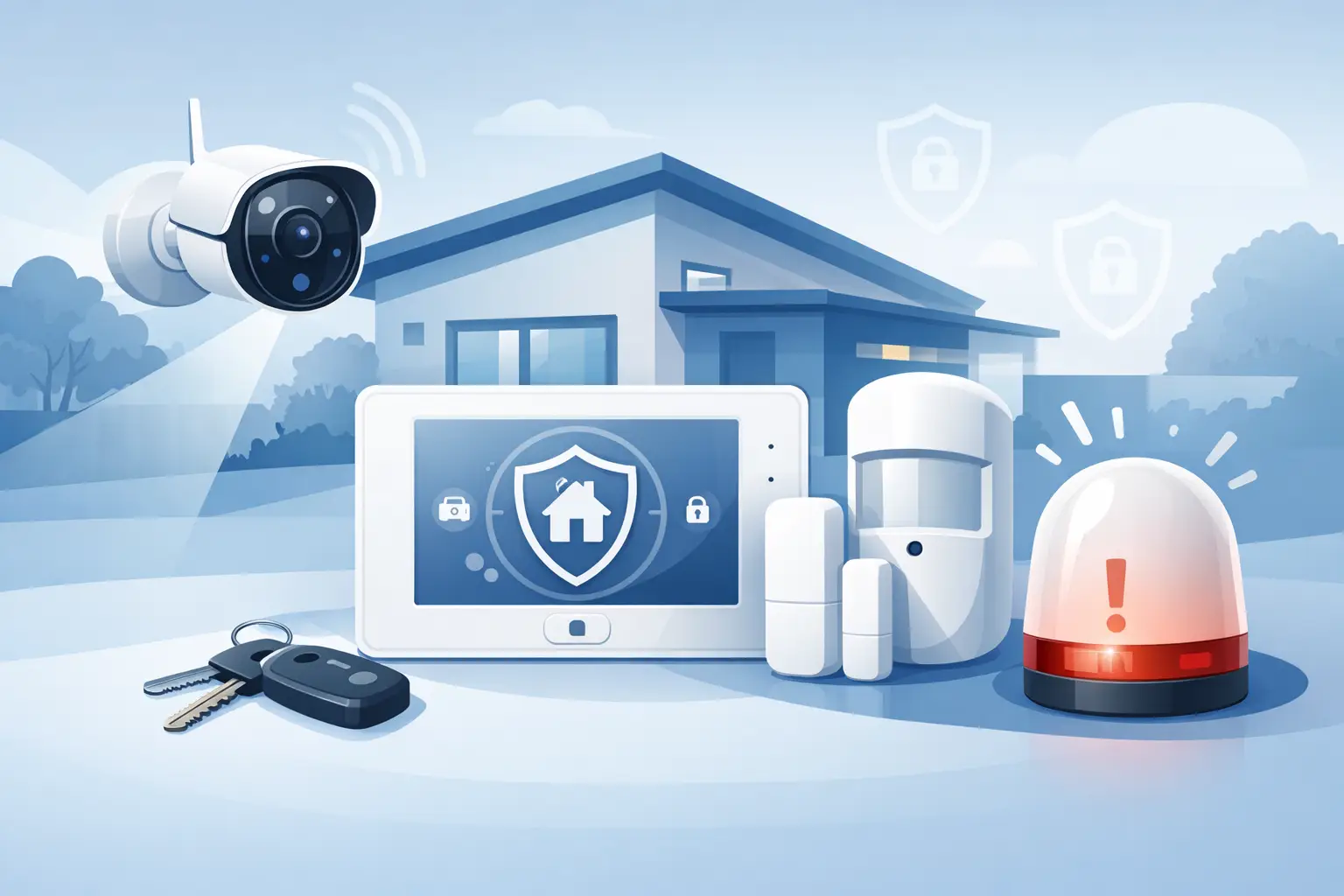
A basic DIY kit might include a hub, keypad, door and window sensors, a motion sensor, and a siren. Add a smart lock to control access without passing out spare keys, or pair it with cameras to see who arrives at the door. This approach makes security feel like a practical home upgrade instead of a major renovation.
DIY does require a little planning. Measure entry points, test Wi-Fi strength near outdoor camera locations, and think about where a hub or keypad will be easiest to use. A system is only useful when its devices are placed where real activity happens.
Professionally Installed Systems
Professional installation is ideal when you want a technician to design the layout, mount equipment, connect components, and test the system. It is often chosen for large properties, homes with multiple levels, or setups that include several cameras, hardwired sensors, and integrated automation.
The biggest advantage is convenience. You are less likely to miss a vulnerable entry point or deal with an awkward camera angle after installation. A professional can also help with complex wiring and placement that might be difficult to handle alone.
The downside is less flexibility and usually a higher upfront cost. If you rent, move often, or simply want a system you can relocate, a wireless DIY setup may deliver better value.
Wired vs. Wireless Home Security Systems
The types of home security systems above describe who manages the system. Wired and wireless describe how the equipment connects.
Wired Systems
Wired security systems use physical cables to connect sensors, cameras, keypads, and control panels. They are common in older professionally installed alarm systems and can be an excellent long-term solution for a home that is being built or renovated.
Because devices are physically connected, wired systems can avoid some battery maintenance and certain wireless signal issues. They can also support extensive installations across larger properties. However, installation can involve drilling, running cable through walls, and paying for professional labor.
Wireless Systems
Wireless systems use Wi-Fi, radio frequency, Bluetooth, cellular connections, or a combination of these technologies. They are the modern favorite for apartments, rentals, and homes that need a fast upgrade without major construction.
Wireless cameras and sensors are easier to place, move, and expand. They are also highly compatible with smart home routines, letting you receive alerts, arm the system remotely, or check a camera from your phone. Keep in mind that wireless devices need reliable power and connectivity. Battery-powered products need occasional charging or replacement batteries, while Wi-Fi devices depend on your network.
For the strongest setup, consider equipment with cellular backup or local recording options. If your internet goes down, you do not want your entire security plan to disappear with it.
Camera-Based Security Systems
For many households, cameras are the most visible and useful part of home security. They create a record of activity, help you verify alerts, and can discourage unwanted visitors when placed in clear view.
A video doorbell focuses on your front entrance, where deliveries, visitors, and package concerns usually happen. Outdoor cameras cover driveways, garages, gates, and backyards. Indoor cameras can help you check on pets, kids arriving home, or activity near a secondary entry point.
Camera-only setups are convenient, but they do not replace entry sensors or alarms in every situation. A camera may catch motion after someone is already inside, while a door sensor tells you the moment an entry point opens. Combining both gives you faster awareness and better context.
When comparing cameras, look beyond image quality. Night vision, two-way audio, person detection, adjustable activity zones, weather resistance, local or cloud storage, and power options all affect daily usefulness. A camera with smart detection can reduce the flood of alerts caused by passing cars, pets, or swaying trees.
Smart Home Security Systems
A smart home security system brings alarms, cameras, locks, lighting, and automation into one connected routine. Instead of treating security as something you only think about when leaving town, it becomes part of how your home works every day.
You might lock the door from an app, create temporary access codes for guests, or set lights to turn on when an outdoor camera detects movement. A smart plug or light can make your home look occupied while you are away. Some systems also let you create an Away routine that locks compatible doors, arms sensors, and turns off selected devices with one command.
Convenience is the appeal, but compatibility matters. Check whether devices work with your preferred voice assistant, app ecosystem, and existing smart home products. A mixed collection of gadgets can become frustrating if every device requires a separate app and login.
How to Choose the Right Setup
Start with the places where someone could enter or where you need visibility: front door, back door, first-floor windows, garage, driveway, and shared hallways. Then decide whether you need deterrence, evidence, immediate alerts, or emergency response. Most homes need a combination rather than one single device.
A renter may be best served by a wireless video doorbell, removable indoor camera, and a few entry sensors. A homeowner with a garage and backyard may want outdoor cameras, window sensors, motion detection, and smart lighting. Families who spend long days away from home may appreciate professional monitoring or a system with dependable cellular backup.
Privacy should be part of the decision, too. Use strong, unique passwords, enable two-factor authentication when available, keep firmware updated, and position indoor cameras thoughtfully. Security technology should make your household feel more comfortable, not more watched.
The best system is the one you will actually use. Begin with the areas that matter most, build a setup that matches your lifestyle, and add smart protection as your home changes. At GetTechShift, home tech is about making daily life feel safer, simpler, and ready for what comes next.