Best Home Security and Alarm System Choices
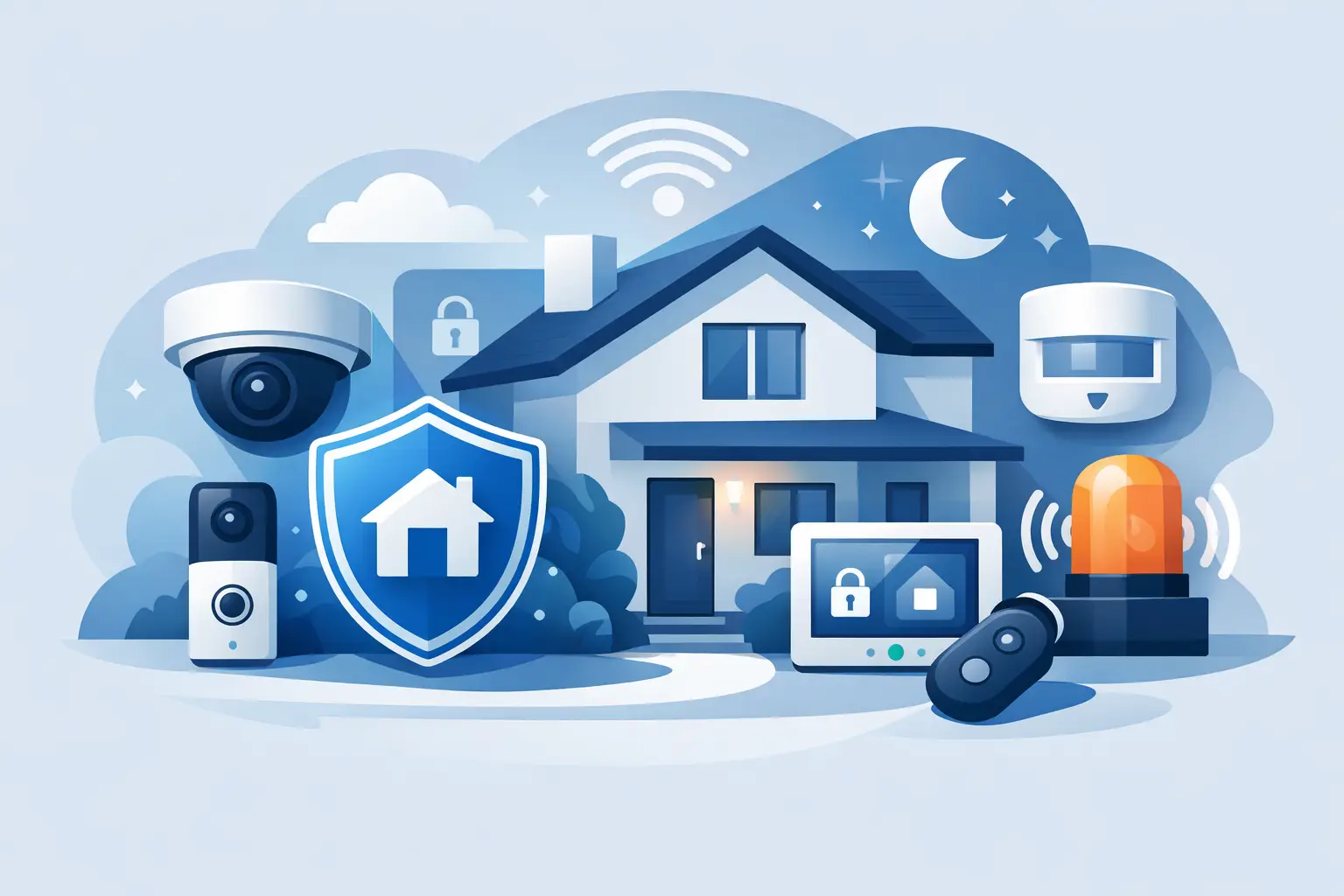
A front door is more than an entry point. It is where packages arrive, kids get home from school, guests ring the bell, and a missed notification can become a stressful question: was that expected? The best home security and alarm system gives you a clearer view of what is happening around your home while making everyday routines feel simpler, safer, and more connected.
The right setup is not always the one with the most devices or the biggest monthly plan. For many homes, a smart video doorbell, a few entry sensors, and an easy-to-use app can cover the moments that matter most. For others, especially larger homes or households that travel often, professional monitoring and a wider network of cameras may be worth the added cost.
What Makes the Best Home Security and Alarm System?
Start with your real security priorities, not a long feature list. Do you want to know when someone approaches the porch? Are you concerned about doors and windows being opened while you are out? Do you need indoor coverage for pets, caregivers, or a second home? Your answers should shape the system.
A strong home security setup usually combines detection, visibility, and alerts. Detection comes from door and window sensors, motion sensors, glass-break sensors, or smart locks. Visibility comes from video doorbells and security cameras. Alerts arrive through an alarm, mobile notifications, and, if you choose it, a professional monitoring service that can request emergency response when an alarm is triggered.
The best systems make those layers easy to manage from one place. A clean app matters more than shoppers sometimes expect. If checking a camera feed, arming the alarm, or adding a family member feels complicated, the system is less likely to become part of your routine.
Start With the Entry Points
Most households get the most immediate value by protecting exterior doors first. A contact sensor can tell you when a door opens, while a smart lock can reduce the scramble for spare keys and let you check whether the door is locked from your phone. Add a video doorbell, and you can see and speak with visitors before opening the door.
Windows are the next priority, particularly ground-floor windows, basement access points, and any window that is hidden from the street. You do not necessarily need a sensor on every single window. Focus first on vulnerable or frequently used openings, then expand as your needs and budget allow.
Cameras Provide Context, Not Just Footage
An alarm tells you that something happened. A camera can help show what happened. Outdoor cameras are especially useful near front doors, driveways, garages, side gates, and backyards. Indoor cameras can add peace of mind in common spaces, but placement should respect privacy for everyone in the household.
Look for practical features that fit your home: high-resolution video, night vision, motion zones, two-way audio, local or cloud storage, and app alerts. AI person detection can be helpful in busy neighborhoods because it may reduce notifications caused by passing cars, wind-blown branches, or wildlife. It is not perfect, so consider it a convenience feature rather than a replacement for good placement.
Camera placement is a trade-off. A camera mounted high may be harder to tamper with but may not capture a clear face. A lower camera can provide better detail but may be easier to reach. Aim cameras toward approach paths and entry points, and avoid pointing them directly into a neighbor’s private area.
Choose Monitoring That Matches Your Lifestyle
Monitoring is one of the biggest decisions when building a security system. Self-monitoring means your system sends alerts directly to you. It is often affordable and flexible, and it works well for people who keep their phone nearby and want to avoid a recurring fee. The downside is simple: you are responsible for seeing the alert and deciding what to do next.
Professional monitoring adds another layer. When a qualifying alarm event occurs, a monitoring center can contact you and, when appropriate, notify local emergency services. This can be a smart choice for frequent travelers, busy families, or anyone who wants extra support when they cannot respond quickly. However, plans may come with monthly costs, contracts, cancellation terms, and feature restrictions. Read those details before committing.
A middle-ground option is a system with loud local alarms, mobile notifications, and the option to add professional monitoring later. That approach lets you begin with the essentials and upgrade if your needs change.
Wired, Wireless, or a Mix of Both?
Wireless security devices are popular because they are fast to install and renter-friendly. Many use adhesive mounts, batteries, Wi-Fi, or a central hub. You can often take them with you when you move, making them a practical upgrade for apartments, condos, and starter homes.
The trade-off is maintenance. Battery-powered cameras and sensors need occasional attention, and Wi-Fi devices depend on a reliable home network. Before buying, check your Wi-Fi coverage near the driveway, garage, and backyard. A camera that loses its connection at the edge of your property cannot deliver the confidence you bought it for.
Wired cameras and professionally installed systems can offer stable power and dependable connections, especially for permanent homes or larger properties. Installation may cost more upfront and can be less convenient if you want to reposition equipment later. There is no universal winner. Wireless is often ideal for flexibility; wired can be better for long-term coverage and fewer battery checks.
Do Not Forget Power and Internet Backup
A security system should be prepared for the moments when your home is least convenient to manage. A power outage can take down a standard router, and an internet outage can limit app access or cloud recording. Battery backup for a hub or router can keep key equipment running for a period of time. Cellular backup can help certain alarm systems communicate even if your home internet is unavailable.
These features may not be necessary for every setup, but they are valuable for homes in storm-prone areas, properties that sit vacant for stretches of time, or households that depend heavily on smart devices.
Build a System Around Daily Life
A useful system should make your day easier, not create a stream of alerts you learn to ignore. Set motion zones to exclude a busy sidewalk. Schedule cameras or alarms around your household routine. Create separate access codes for family members, guests, or service professionals instead of sharing one code with everyone.
Smart home integration can also make security feel more natural. You might turn on exterior lights when a camera detects motion, receive a notification when a smart lock is used, or check a doorbell feed from a compatible display. These details add convenience, but compatibility matters. Before purchasing, confirm that devices work with your preferred voice assistant, mobile platform, or existing smart home equipment.
For renters, focus on portable devices that do not require drilling or permanent wiring. For homeowners, consider a system that can grow room by room and work alongside smart locks, outdoor lighting, and home automation accessories. A small security setup today can become a more complete connected-home system over time.
Shop Features, Not Fear
Security marketing can make it tempting to buy every possible device at once. A smarter approach is to protect your most likely access points, choose reliable equipment, and make sure everyone in the home knows how to use it. Test your sensors, confirm notifications are enabled, update device firmware, and replace batteries before they fail.
Also consider privacy before bringing cameras indoors. Use strong, unique passwords, enable two-factor authentication when available, and review who has access to live video and recorded clips. Technology should help you feel more in control of your home, not less.
At GetTechShift, modern home security can be part of a bigger lifestyle upgrade: practical tools that help you watch the door, secure the entry points, and stay connected wherever the day takes you. Start with the protection that solves your most immediate concern, then build a setup that fits the way you actually live.