Is There an App to Control All Smart Home Devices?
You bought a smart bulb for the bedroom, a video doorbell for the front porch, a lock for the entryway, and maybe a camera or air purifier for good measure. Then the real surprise hits – every product wants its own app. If you’re asking, is there an app to control all smart home devices, the short answer is yes and no.
There are apps and platforms that can bring a lot of your smart home gear into one place, but there usually isn’t one magic app that works perfectly with every brand, every category, and every feature. That doesn’t mean your setup has to feel cluttered. It just means the smartest approach is choosing a hub app that fits your devices, your habits, and the way you actually live.
Is there an app to control all smart home devices in one place?
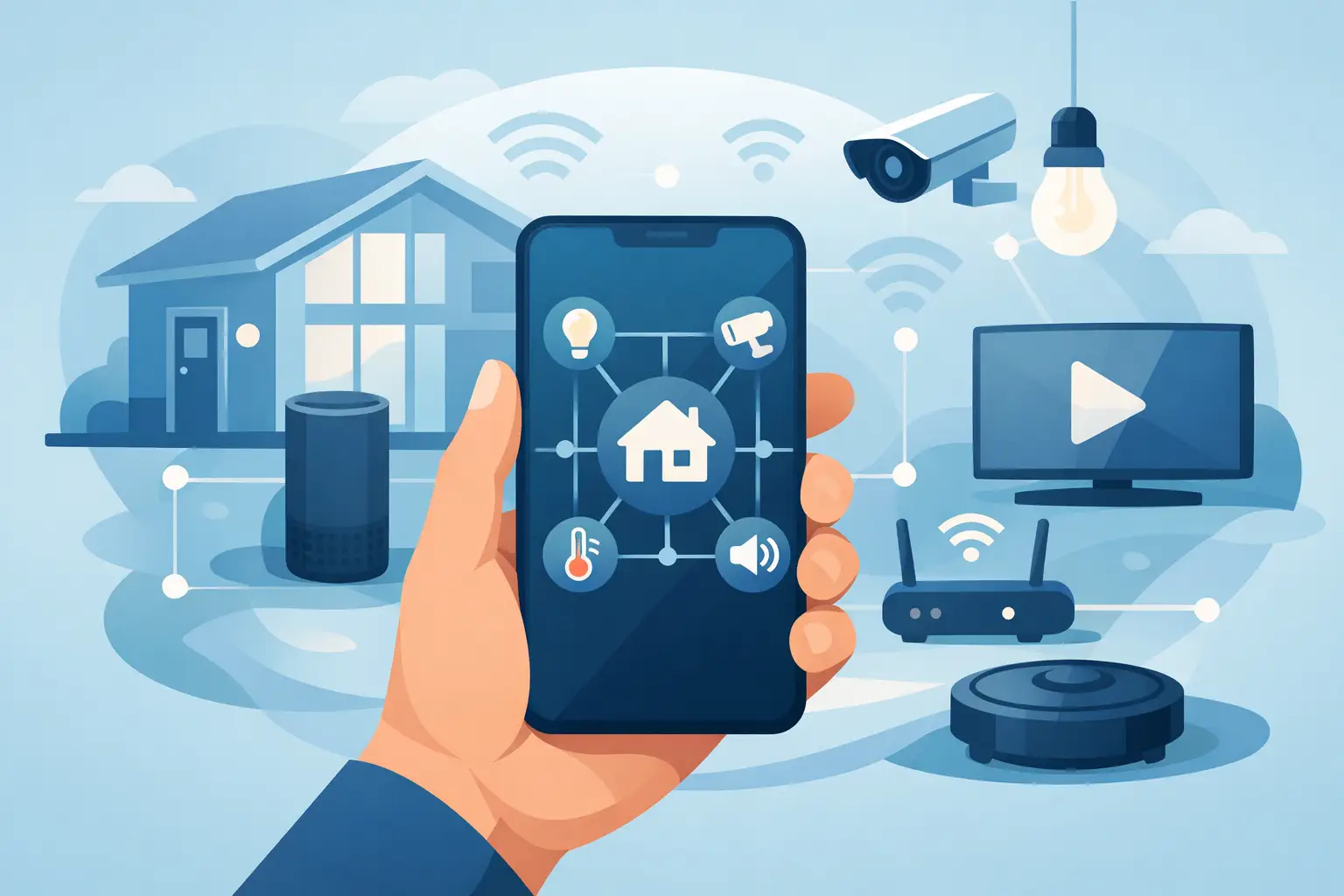
The closest thing to an all-in-one solution is a smart home platform rather than a single universal app made by one product brand. Platforms like Google Home, Apple Home, Amazon Alexa, and Samsung SmartThings are built to connect devices from multiple manufacturers, letting you manage lighting, cameras, locks, plugs, thermostats, and sensors from one dashboard.
For a lot of households, that’s enough. You can turn off lights, lock the door, start routines, check camera feeds, and use voice commands without bouncing between five different apps. It feels more like modern living should feel – connected, convenient, and easy to manage from your phone.
But here’s the trade-off. Compatibility is rarely total. A device might pair with a platform for basic control, yet keep advanced settings locked inside its original app. Your camera may stream in one app but require its native app for motion zones. A smart lock may work with voice control but need the manufacturer app for firmware updates or guest code management.
So yes, there are apps that control many smart home devices. No, there usually isn’t one app that replaces every original app forever.
What the best smart home apps actually do
If your goal is fewer taps and less friction, the right platform app can make a huge difference. The best ones pull your key devices into one experience and let you build routines around your day.
That means you can create moments instead of just controls. Your morning routine can turn on a lamp, start the coffee maker through a smart plug, and adjust the temperature. Your away routine can lock the door, arm security devices, and turn off selected lights. Your nighttime setup can dim lighting, switch on a bedroom fan, and activate outdoor cameras.
This is where a central app starts to feel less like a tech extra and more like a lifestyle upgrade. It cuts down on app fatigue and makes your smart home feel intentional instead of pieced together.
The main apps people use
Google Home is a strong fit for shoppers who want broad compatibility and simple voice control. It works well for mixed-brand households and is especially appealing if you already use Android devices or Google Assistant.
Apple Home is popular with iPhone users who want a cleaner, privacy-focused setup. It can feel polished and fast, but compatibility depends heavily on whether devices support Apple’s ecosystem. If your home is mostly Apple already, it can be a great everyday control center.
Amazon Alexa is often the easiest starting point for beginners. A huge number of consumer smart home products support Alexa, and routines are easy to build. It works particularly well for affordable, practical setups that focus on convenience.
Samsung SmartThings is one of the more flexible options for people mixing brands and device types. It has a strong reputation for pulling different products into one system, especially if you want deeper automation beyond simple voice commands.
Each platform has strengths, and the best choice depends less on hype and more on what you already own or plan to buy.
Why one app doesn’t always mean one ecosystem
A lot of people assume the app is the whole system. It’s not. The bigger issue is the ecosystem behind it.
Some smart devices use WiFi and connect directly to your phone or cloud account. Others rely on standards like Zigbee, Z-Wave, Thread, or Matter. Some need a hub. Some don’t. Some are built to play nicely with major platforms, and some are mostly loyal to their own brand app.
That’s why two products that both say smart on the box can behave very differently once you bring them home. One may connect in under a minute and appear in your main dashboard right away. Another may need its own bridge, a firmware update, and a separate account before it becomes partially usable in your preferred app.
This is also why shopping smart matters. If you want a clean setup, it helps to buy devices with shared compatibility rather than choosing every gadget one by one based only on price or looks.
How to build a smart home that feels simple
If you’re starting fresh, pick your main platform first. That decision shapes everything else. Think about your phone, your preferred voice assistant, and the types of devices you care about most.
If you use an iPhone and want a sleek experience, Apple Home may be the best anchor. If you want broad product options and easy setup, Alexa or Google Home may feel more natural. If you want more advanced automation and brand flexibility, SmartThings is worth a look.
After that, check compatibility before you buy anything. Look for clear support for your chosen platform on product packaging or product pages. This step saves a lot of frustration later.
It also helps to prioritize categories that benefit most from shared control. Smart bulbs, plugs, locks, video doorbells, indoor cameras, and sensors usually offer the biggest quality-of-life boost when they work together. A single dashboard matters less for a blender or mini fridge than it does for security, lighting, and daily routines.
For shoppers building a lifestyle-focused setup, this is where a store like GetTechShift fits naturally – you can compare connected home, security, and everyday electronics with convenience in mind instead of chasing random one-off gadgets.
Matter changes the conversation, but not overnight
If you’ve researched this topic at all, you’ve probably seen the word Matter. It’s a newer smart home standard designed to improve compatibility across brands and platforms.
That’s the good news. Devices that support Matter are more likely to work across major ecosystems, which makes the idea of controlling everything from one app more realistic than it used to be.
The catch is that adoption still varies. Not every product supports Matter yet, and not every feature translates perfectly across every platform. Matter is moving the market in the right direction, but it hasn’t erased all compatibility headaches.
Still, if you’re buying new smart home devices now, Matter support is a feature worth paying attention to. It can give your setup more flexibility down the line and reduce the odds of being boxed into one brand.
When you should keep the original app
Even if you use a main control app, don’t rush to delete the device maker’s app.
Native apps still matter for setup, firmware updates, account management, and specialty features. This is especially true for security cameras, alarm systems, video doorbells, and smart locks, where finer settings can make a real difference in performance and privacy.
Think of your smart home platform as the front door and the original apps as the utility closet. You probably won’t need to visit the utility closet every day, but you’ll want it there when you need to adjust something important.
So what’s the best answer for most homes?
If you want the honest version, the best app to control all smart home devices is usually the one that controls most of your important devices with the fewest compromises. For many US shoppers, that means choosing Google Home, Alexa, Apple Home, or SmartThings as the main command center, then keeping a few original apps in the background for advanced settings.
That setup is practical, modern, and realistic. It gives you centralized control where it counts without pretending every brand follows the same rules.
The real win is not finding a perfect universal app. It’s building a smart home that feels easier to live with every day – lights where you want them, security where you need it, and routines that save time instead of adding one more screen to manage.
If you’re buying your next device, don’t just ask what it does. Ask what it works with. That one question can turn a pile of smart gadgets into a home that actually feels smart.