How to Choose Smart Locks for Your Home Today
Your front door does more than protect your home. It sets the tone for every arrival, delivery, dog walker visit, and late-night return. Learning how to choose smart locks starts with a practical question: what would make getting in and managing access easier without making your door harder to use?
A smart lock can replace key handoffs with passcodes, let you check lock status from your phone, and give household members access on their own schedules. But the best option is not always the one with the longest feature list. Your door type, living situation, preferred access method, and comfort with connected tech should drive the decision.
How to Choose Smart Locks That Fit Your Door
Before comparing apps, fingerprint readers, or sleek keypad designs, look at the hardware already on your door. Most smart locks are designed to replace a standard single-cylinder deadbolt, which has a key on the outside and a thumb turn on the inside. If that describes your setup, installation may be straightforward.
Measure the backset, or the distance from the edge of the door to the center of the deadbolt hole. In the US, common sizes are 2-3/8 inches and 2-3/4 inches. Also check door thickness, the gap between the door and frame, and the condition of the strike plate. A lock can be smart, stylish, and highly rated, but it will not perform well if the bolt rubs against the frame.
If you have a mortise lock, interconnected handle and deadbolt, double-cylinder deadbolt, or a metal security door, compatibility can be more complicated. Some models replace only the interior thumb turn and keep your exterior hardware in place. That can be a smart choice for renters or anyone who likes the look of their current handleset.
Renters should check their lease before changing exterior hardware. A retrofit smart lock or a model that uses the existing deadbolt can minimize permanent changes while still adding app control and digital access.
Pick the Access Method You Will Actually Use
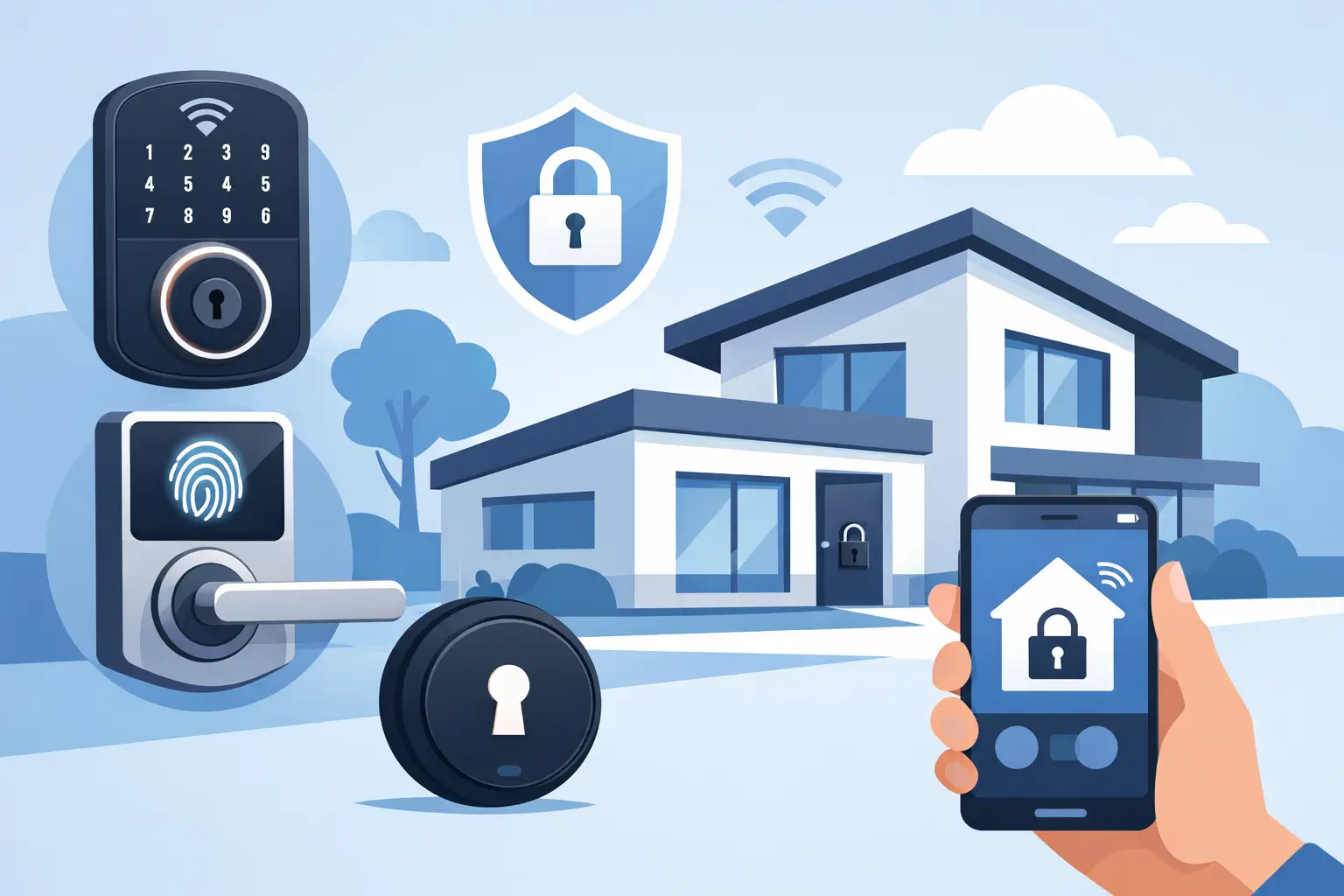
The right smart lock should match the way your household comes and goes. A keypad is great for families, guests, cleaners, and service providers because you can create unique codes instead of copying keys. A fingerprint reader is fast for daily use, though it is worth choosing a model with a keypad or physical key backup for times when a finger is wet, dirty, or not recognized on the first try.
App-based access is useful when you want to lock or check the door remotely. It is especially helpful for vacation properties, package deliveries, or letting a trusted person in while you are away. For many homes, the strongest setup is not one access method but two or three: keypad for guests, phone control for remote management, and a physical key for backup.
Consider these common options as you shop:
- Keypad codes work well for shared households and temporary visitors.
- Fingerprint access adds speed for people who enter every day.
- Bluetooth phone access is convenient when you are near the door and do not need remote controls.
- WiFi access supports remote lock status, alerts, and app controls from almost anywhere.
- Physical key access provides a familiar backup during battery changes or phone problems.
Avoid paying for a feature simply because it sounds futuristic. If you live alone and usually carry your phone, a simple Bluetooth lock may be enough. If you manage a busy family home, scheduled codes and activity notifications can be worth the upgrade.
Decide Whether WiFi, Bluetooth, or a Hub Makes Sense
Connectivity affects both convenience and cost. Bluetooth smart locks connect directly to your phone when you are close by. They are often simple to set up and can help preserve battery life, but remote control may require an additional WiFi bridge or hub.
WiFi-enabled locks connect to your home network, allowing you to view status, receive notifications, and control the lock while away. That extra reach is appealing, but WiFi models may use batteries faster. Make sure your router signal is reliable at the front door, especially in larger homes, older houses with dense walls, or properties where the entry is far from the router.
Some locks use a separate hub that connects to WiFi while the lock itself uses Bluetooth or another low-power protocol. This can be a good middle ground. It may add one more device to install, but it can improve battery performance and support a broader smart home setup.
If you already use voice assistants, smart lighting, alarms, or cameras, check compatibility before buying. A lock that can work alongside your video doorbell or security system can make everyday routines feel more connected. For example, you might receive a door alert, view the visitor, and provide a one-time entry code from the same phone.
Look Beyond Smart Features to Physical Security
Digital convenience should never distract from the lock’s physical build. Look for a durable deadbolt, a solid bolt throw, quality metal construction, and an ANSI or BHMA security grade when available. Grade 1 is generally the highest residential rating, while Grade 2 is a strong choice for many homes. Grade 3 is more basic and may be better suited to lower-risk interior or light-use applications.
A smart lock is only one part of door security. Reinforce the strike plate with long screws that reach the wall framing, keep hinges in good condition, and make sure the door closes cleanly. If the door can be pushed or pulled out of alignment, even an advanced lock will struggle.
For digital protection, choose a lock that supports account passwords, two-factor authentication if offered, and encrypted communication. Use a unique password for the lock app and keep the app and lock firmware updated. This is a small maintenance habit that helps protect the device over time.
Plan for Batteries and Backup Entry
Most smart locks run on replaceable batteries, often AA batteries. Battery life varies by model, weather, WiFi use, and how often the door is opened. Instead of waiting for a low-battery alert, keep a fresh set of batteries in a known spot at home.
Check the backup plan before you install. Many locks retain a physical keyway, while others offer an emergency external power connection that can temporarily power the keypad. Key-free designs can look clean and modern, but they require more attention to battery status and emergency access.
Think about extreme weather, too. If your front door receives direct sun, heavy rain, freezing temperatures, or humid coastal air, choose a lock rated for the conditions it will face. An exterior finish that looks great in a product photo still needs to hold up through real seasons.
Choose Features That Make Daily Life Easier
The most useful smart lock features are often the least flashy. Auto-lock can secure the door after a set time, which is helpful for busy mornings and families with kids. Door-ajar alerts can tell you when the door is not fully closed. Temporary codes make it easier to give access to a dog walker, house sitter, or visiting relative without sharing a permanent code.
Activity history can also be valuable, but it depends on your needs. A parent may appreciate seeing when a teenager gets home. A rental host may need records of scheduled guest access. Someone seeking a simple front-door upgrade may prefer fewer notifications and a cleaner app experience.
Pay attention to subscription requirements. Some lock functions are included with the device, while cloud storage, extended history, or certain remote features may require a monthly plan. Read what is included upfront so the price fits your long-term budget, not just your checkout total.
Match the Style to Your Entryway
Smart security can still look polished. Choose a finish that works with your existing handles, house numbers, doorbell, and exterior lighting. Matte black offers a modern statement, satin nickel feels versatile, and bronze can complement traditional homes.
Also consider the size of the exterior panel. A large touchscreen may be easy to use, but it can stand out on a narrow door or classic entry. A smaller keypad or interior retrofit can offer a more understated look. The goal is technology that supports your routine and suits the place you call home.
A smart lock is a practical upgrade you will use every day, not a gadget to set up once and forget. Start with a compatible door, choose access options that fit your household, and make sure you have a backup plan. The right choice turns your front entry into one less thing to worry about and one more part of modern living that works on your terms.